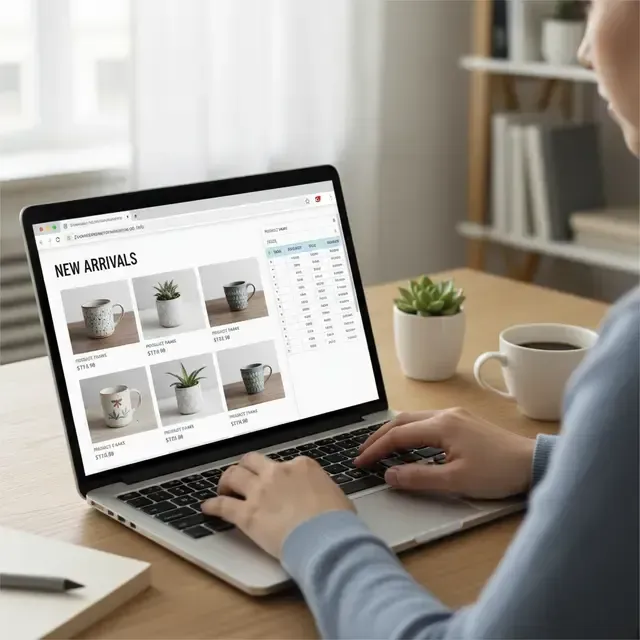
Building your first online store
# Building Your First Online Store: A Step-by-Step Guide to Launching a Shopify Store That Converts Visitors into Paying Customers
In today’s digital landscape, e-commerce is more vibrant than ever, and if you’re reading this, you’ve likely considered diving into the world of online retail. Building your first online store can feel overwhelming, but fear not! We're here to guide you through the process of launching a Shopify store that not only attracts visitors but also converts them into loyal customers. Let’s get started!
### Why Choose Shopify?
Before we dive into the nitty-gritty of store setup, let’s explore why Shopify is the go-to platform for many entrepreneurs. With user-friendly features, reliable support, and a wealth of customizable templates, Shopify offers everything you need to create a professional-looking store, even if you have no coding experience. Plus, it provides built-in tools for managing inventory, payments, and shipping, streamlining your operations from day one.
### Step 1: Sign Up for Shopify
Your journey begins with signing up for a Shopify account. Navigate to the Shopify website, click on “Get Started,” and enter your details. Shopify usually offers a free trial, so you can set up your store without any upfront costs. During registration, you’ll be prompted to provide information about your business and products—don’t worry, you can tweak this later!
### Step 2: Choose Your Store's Theme
Once you're in, it’s time to make your store visually appealing. Shopify offers a plethora of free and paid themes that cater to various niches. Choose one that aligns with your brand identity. Make sure it’s responsive (meaning it looks good on both desktop and mobile) because a significant portion of e-commerce traffic comes from mobile devices.
### Step 3: Customize Your Store
Now, let’s add your personal touch! Use the Shopify customization tools to tweak colors, fonts, and layouts. Upload your logo and create an engaging homepage that showcases your best-selling products or special offers. Don’t overlook the importance of creating a solid “About Us” page—this is where you can connect with your customers on a personal level.
### Step 4: Add Products
With the look of your store coming together, it’s time to populate it with products. Go to the “Products” section of your Shopify dashboard and click “Add Product.” Each product should have a compelling title, high-quality images, and detailed descriptions. Don’t forget to include pricing and inventory information. The more informative and attractive your product listings are, the more likely you are to convert visitors into buyers.
### Step 5: Set Up Payment and Shipping
A seamless checkout experience is crucial for conversions. Go to the “Settings” tab and navigate to “Payments” to choose your preferred payment gateway. Shopify supports various options like credit cards, PayPal, and Shopify Payments.
On the “Shipping” tab, set your shipping rates and zones. Clear shipping policies can significantly enhance the customer experience, so be transparent about your rates and delivery times.
### Step 6: Optimize for SEO
To attract visitors to your store, you need to ensure that it can be easily found online. Optimize your store for search engines by using targeted keywords in your product titles, descriptions, and alt text for images. Don’t forget to create engaging meta descriptions for each page. This visibility will help bring organic traffic to your store.
### Step 7: Launch and Market Your Store
After double-checking that everything is in order, it's time to launch your online store! But don’t stop there. To convert visitors into paying customers, you need to get the word out. Utilize social media marketing, email campaigns, and even influencer partnerships to promote your store. Consider offering special launch promotions or discounts to entice first-time buyers.
### Step 8: Analyze and Improve
Once your store is live, use Shopify's analytics tools to track visitor behavior, sales trends, and customer demographics. This data is invaluable for understanding what works and what doesn’t. Continuously refine your product offerings, marketing strategies, and customer service based on your findings.
### Conclusion
Starting your first online store may feel daunting, but with platforms like Shopify supporting your vision, it can also be an incredibly rewarding experience. Follow this step-by-step guide, commit to learning, and watch as your hard work translates into sales. Remember, every big retailer started from scratch—your journey begins today!
Ready to take the plunge? If you have any questions or need additional support, feel free to reach out! Your successful online store is just a few clicks away.
Happy selling!